The last time I have tried Linux before this recent adventure that will be the topic of this post was probably 15 years ago, during university. I have tried parallel operations on my desktop PC, and I have tried it on the netbook. It was horrible.
To expand a bit more on that: a primary use case of my computing devices is and has always been gaming. Way back when, WINE did exist, but it was mostly a “set everything up yourself, good luck”-approach. Steam? Dream on. The older the game the better the chance to somehow get it to work, by virtue of someone else having done it, but it was always an uphill battle. The elsewhere mentioned screen-size problem of my netbook also did not help.
I do not doubt that those of you who only ever used the internet, a text editor and programming languages would not have had that kind of problem. This is still a post about my lived experience, so shut it.
Why trying it again now? Because gesticulates vaguely to the overall situation I wanted to get away from Microsoft. And in the last few years the overall situation on Linux has been changing…
In 2022, Valve released the Steam Deck, their handheld console capable of running most of the games in their catalogue. The thing runs on its dedicated SteamOS, which is based on, drumroll, Arch Linux. I’m pretty sure you can see where this is going.
Following Valve suddenly having a Major Interest in games-running-on-Linux, especially in that without all the hassle of manually wrangling WINE for every little thing, things… improved massively. A bunch of games just runs natively, WINE and Proton handle mostly everything else. There’s also a wrapper for the gog- and epic-stores, handling basically all the wrapping in the background.
It was time.
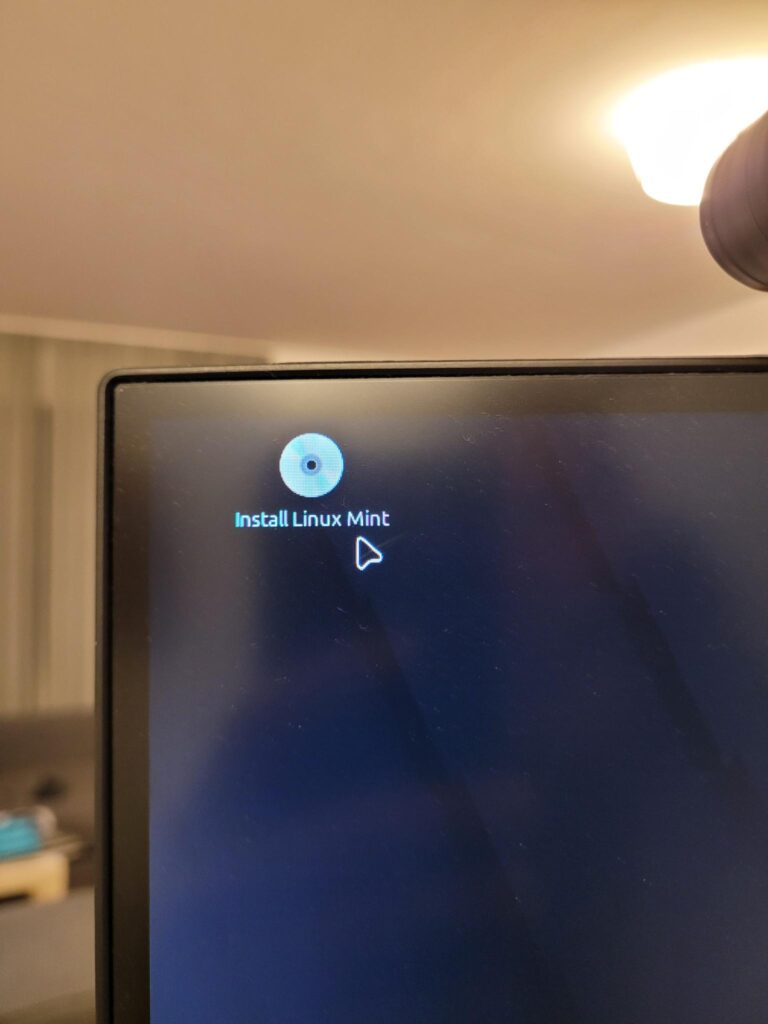
I decided to sacrifice one of my gaming drives, specifically the M.2 for this experiment, as there’s no non-recoverable stuff on there that couldn’t be just downloaded again.
I made a list of software I reguarly use and would need to replace.
I got a safety copy of all my saved games.
I clicked the button.
And… it just worked. The installation would never have been a problem, but also everything just… worked. Steam and Heroic took care of most game sources, with Lutris supporting the few things the others couldn’t.
I had moved from Word to LibreOffice a while ago already, so that wasn’t really a change.
Firefox and Thunderbird just migrated over from windows by copy/pasting everything.
Signal and Discord just… work. Calibre works.
A few mostly older games refuse to work, which… fine. I guess. I can do without the depths of my gog archive. Kingdom Come Deliverance is making trouble due to upper/lowercase bullshit, about which Windows does not care but Linux very much does, but that’s an easy fix.
After feeling no real difference on the PC, I decided to get cocky. I checked if my Surface, the Most Windows Machine there is, could run Mint, too. And it turns out:
Yep.
There’s a dedicated kernel for the surface machines (that is slowly making its way upstream).
However, due to the proprietary shit MS uses to run some of the Surface’s systems, I lost the webcam (now solved by an actual external cam on the PC, for the few
occasions I actually use one), and apparently things like the mobile network modem can run into issues.
So.. check online before going down the road.
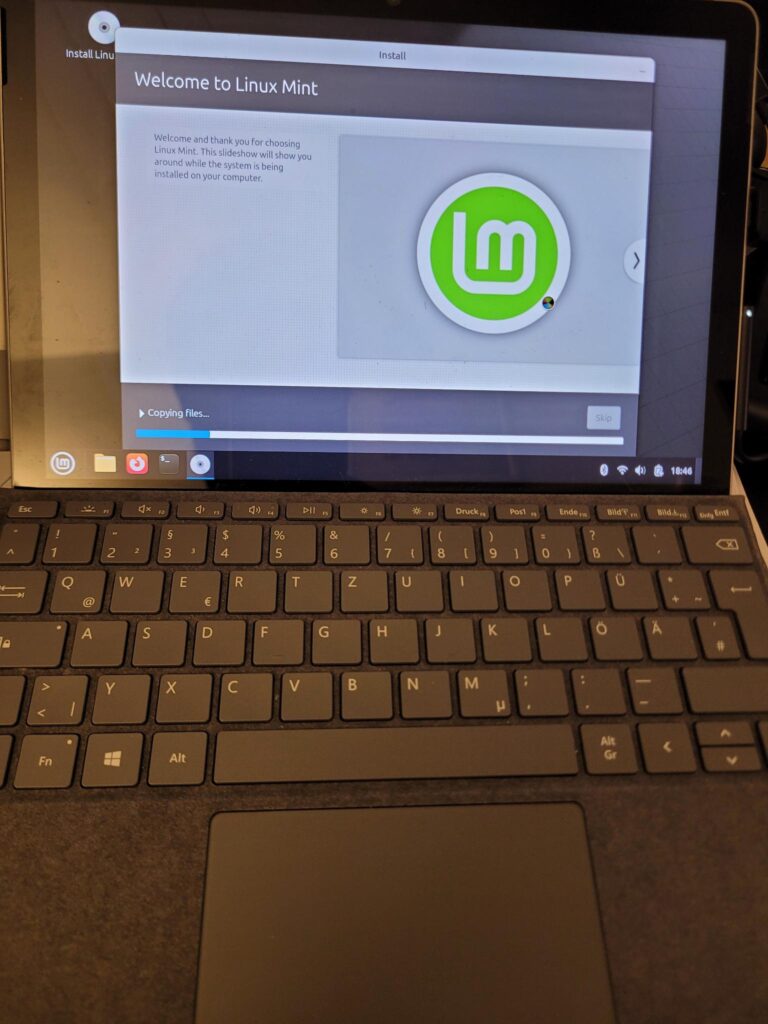
Webcam aside, it also just works. Out of the box. It’s fine.
The pen didn’t work for a while, until I realized that there’s a battery in there. Sometimes it’s not broken, it’s just without power.
In my current opinion, unless you have an overwriting reason to stick to windows, there is really no reason not to try. There’s so many flavours of linux out there, one of them will surely delivery what you need. I like Mint, and it provides out of the box a very windows-like experience.
After some searching around I think I’ve found alternatives for nearly every single tool I had under windows, up to the point of “not missing anything”.
Is it more of a hassle than running Windows? WELL. Compared to my work-laptop where an admittedly company managed Windows is getting more and more annoying: honestly no. It’s different. But it works.
The one thing that really doesn’t work on my PC (and actually is a problem) is the SRC trainer that I should theoretically use again at some point to finally get that bloody license, but that’s specifically why I keep my windows installation (this program, and the off-chance that I might run into similar issues in the future). It gets booted once a month to update, but otherwise… not missing it one bit.